
I found an excellent eReader that flies under the radar. And no, it's not that tiny magnetic one (that one certainly is not flying under any radar).
This is a reader that I haven't ever seen mentioned on a single list of "best eReaders". Nobody's talking about it, and people are missing out. It is the PocketBook Verse.
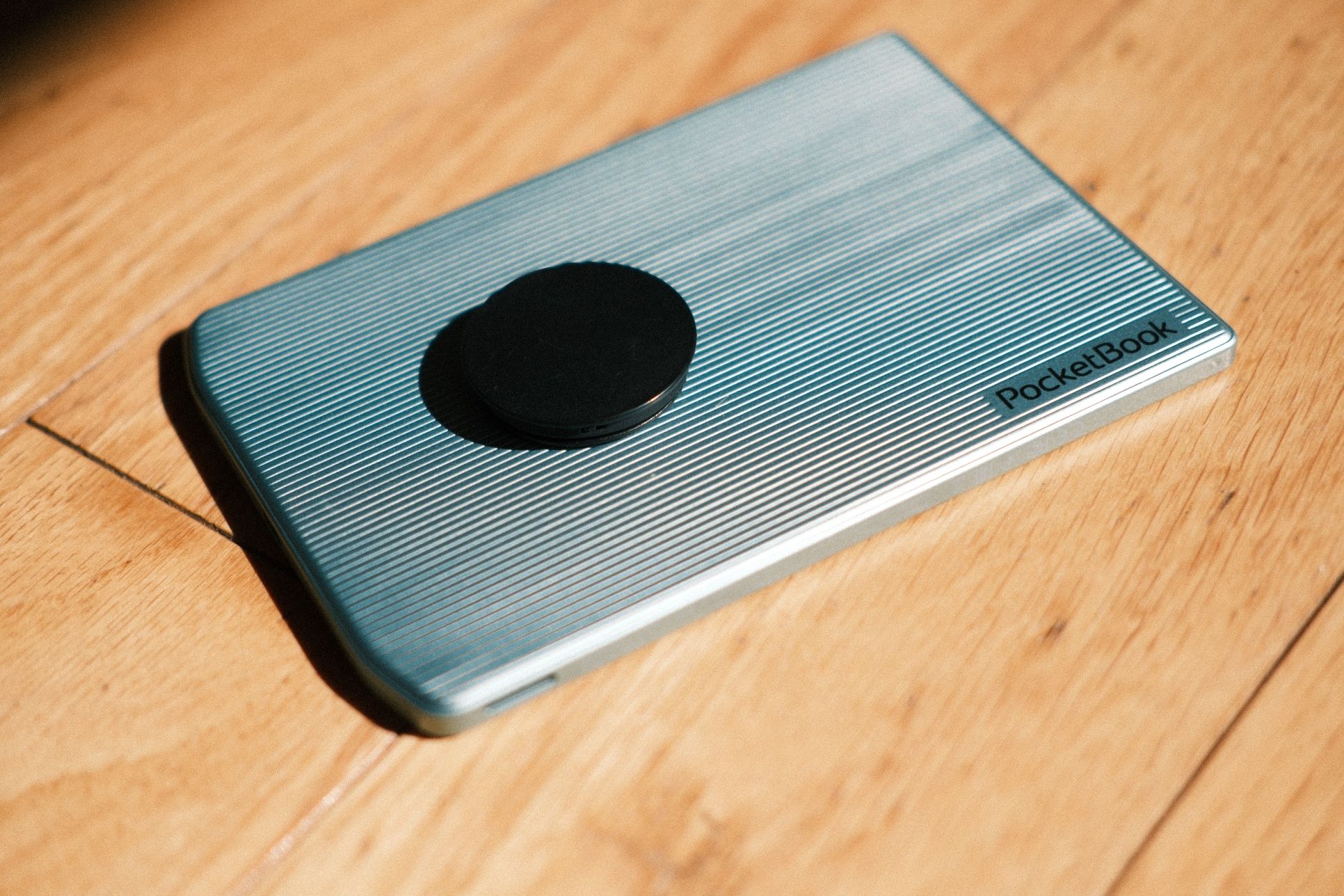
The Verse is a 6" reader, so it easily fits in my pocket. It is not waterproof. It doesn't have a colour screen. On paper it is "low-resolution". And it is so, so good.
Because this isn't the newest device, and because it has "only" 8GB of built-in memory, it cost me $179 CAD brand-new on Amazon Canada. At the time of writing, that's cheaper than a base-model Kindle that would lock you into Amazon's ecosystem.
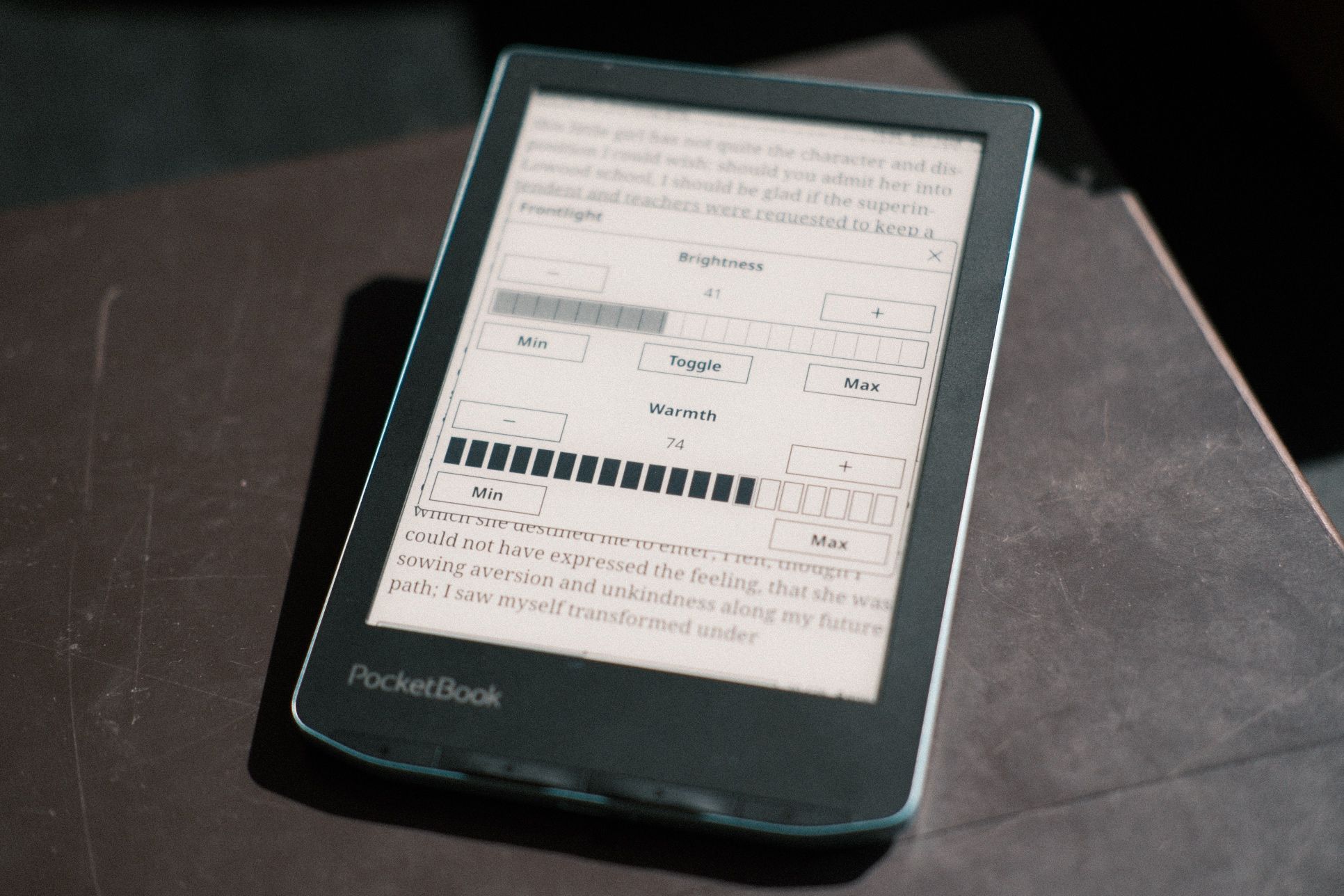
To my eye, the 212 PPI eInk Carta display is perfectly sharp. I have other eInk devices with nominally sharper displays and I can't actually tell the difference when reading. Fonts are nice and crisp, nothing is pixelated. I also have some colour eInk devices, but since I don't read graphic novels on my eReader, colour doesn't matter. What does matter is the quality of the display light, which is very good. You can control the brightness and the warmth, and the light is soft and even. It can get very dim if you want it to (for late night reading).
The reader's small display size and its "non-premium" materials (aka simple plastic) mean it's nice and lightweight. I put a PopSocket on the back and can hold it in my hand for hours and hours with no fatigue, because it weighs just 187g including the PopSocket.
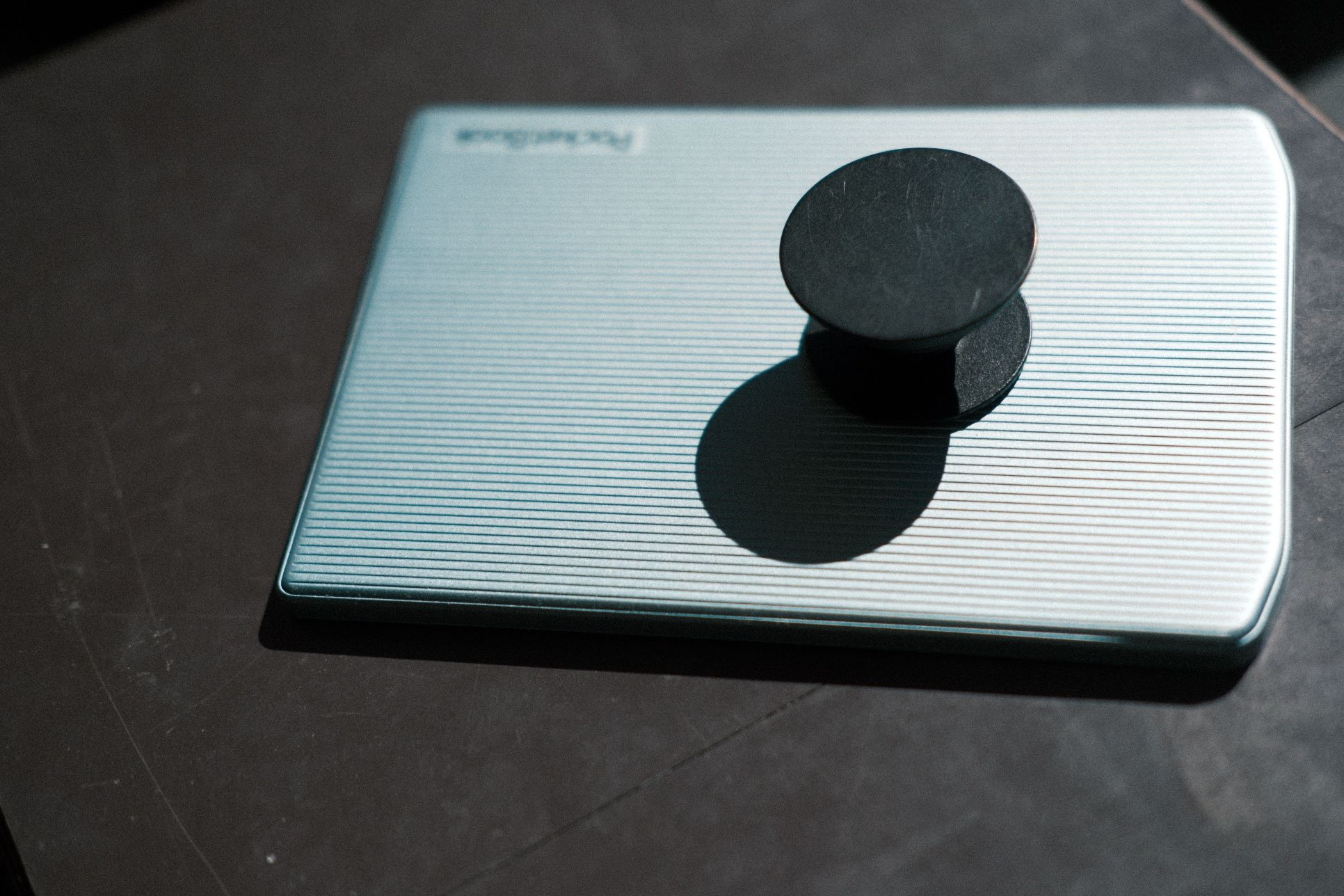
It also has a built-in rotation sensor so the screen rotates when I re-orient it. I made sure to place the pop-socket closer around the bottom third of the device, and so when I rotate it, it redistributes the weight and adjusts my grip. So comfy.
The 8GB built-in memory is not a problem because this eReader has something few others have: a microSD card slot! Yes, some Android eReaders have microSD card slots, but those are Android... if you've ever tried to use a Boox device or other Android eInk devices you know why that's not exactly an experience to write a ZSA Loves post about.
The PocketBook Verse runs its own custom Linux distribution. It's not open-source, but it feels snappy to use. Best of all, it let me install previously-covered KOReader with little fuss, just as an application. I downloaded a zipped KOReader release, extracted the files, and copied them onto the PocketBook. I didn't have to run any arcane scripts or do anything tricky just to get the app running.
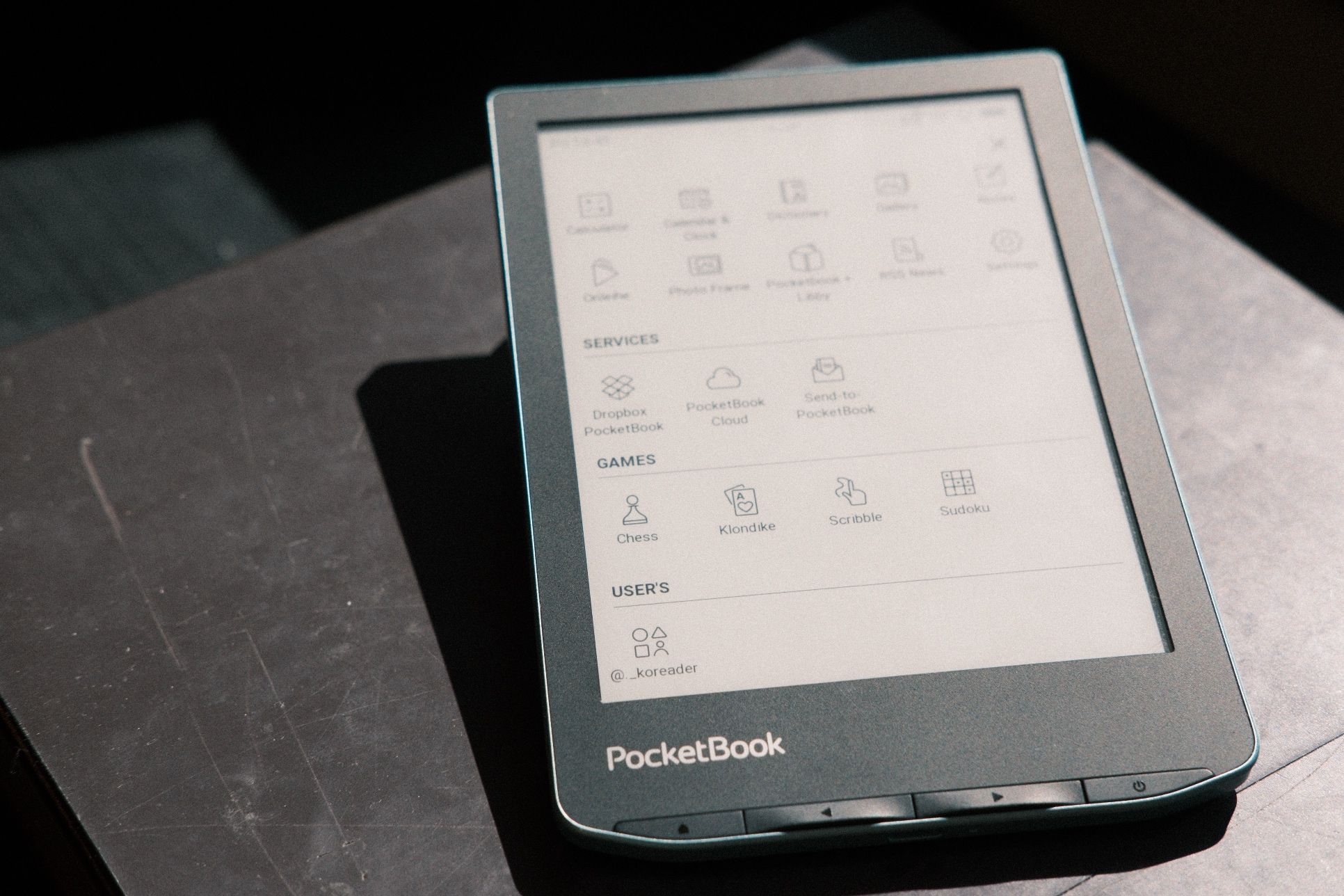
This matters to me because KOReader offers the ultimate eBook reading experience — there is no better or more customizable eReader app around. The PocketBook let me integrate it as my main reading app, so that tapping a book on the PocketBook homescreen opens it within KOReader. There's also a KOReader plugin that synchronizes reading progress back to PocketBook's main interface.
KOReader isn't the only app you can run, it's just the only one I care about. PocketBook is friendly to developers and publishes a proper SDK letting people make software for the device, no hacks or jailbreaks needed.
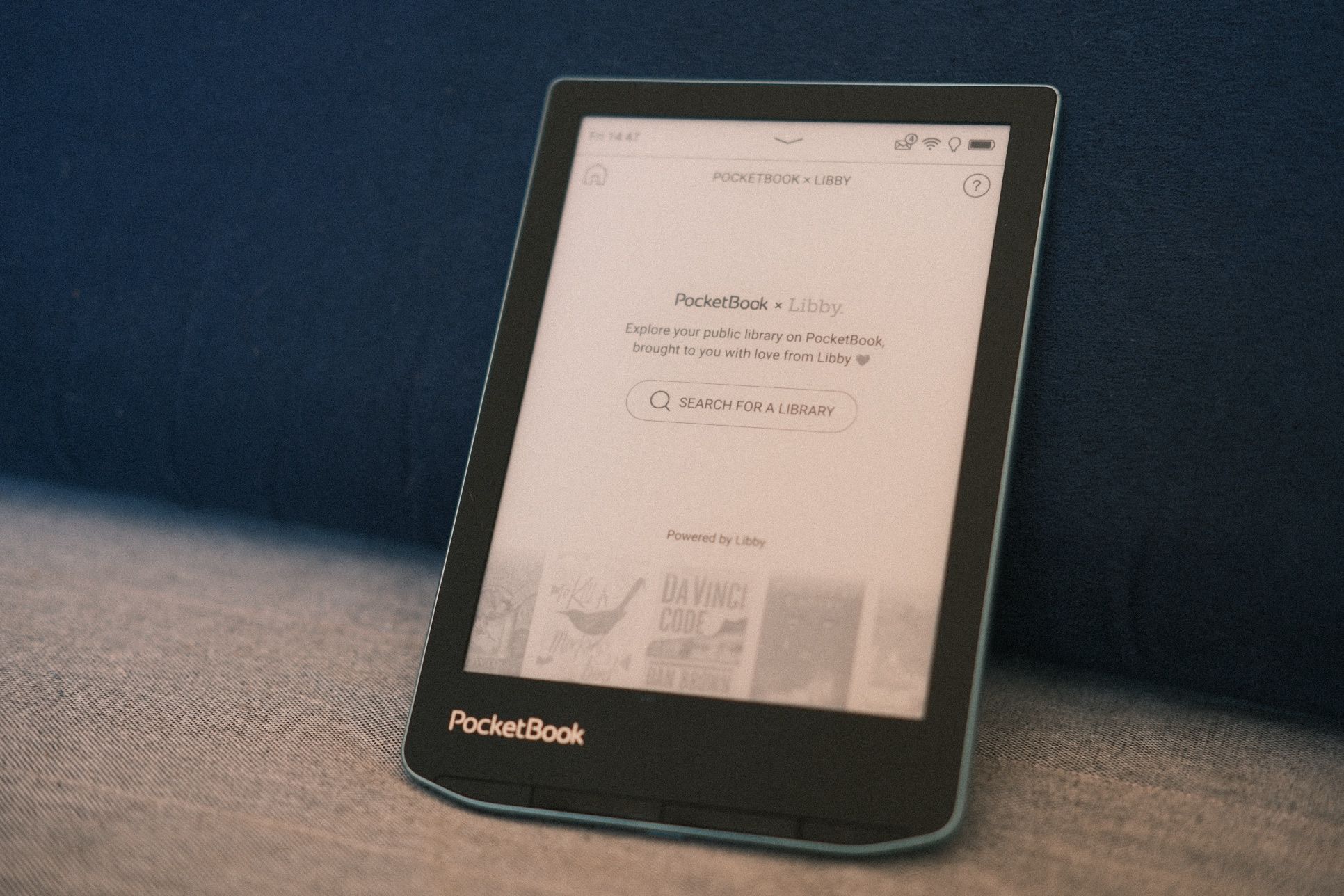
While we're on the subject of apps, there is one more included app I should mention because it's crucial for some users, and isn't something the Kindle can do in Canada: Libby. This app works with our public libraries (and in other countries I believe) and is installed on the PocketBook out of the box. Borrowing eBooks from your local library is just a matter of entering your library card number and browsing the catalog.
The Surprise
I took a chance on a reader with lower specs than others (on paper). A reader that did not appear even as an also-ran on any list of "best eReaders" I've seen. It's just something from a Swiss company, not a viral crowdfunding sensation or anything. And it is just so good. I feel like I've discovered something.
I've tried many different eInk readers from Amazon, Kobo, and Boox, as well as PocketBook's own more "premium" and larger colour device. All had dealbreaking issues, from Amazon's locked and hostile ecosystem, to Kobo requiring odd hacks to install KOReader, to the premium PocketBook being too heavy to hold for long. For my use case, the Verse makes all the right compromises and results in a delightful and immersive reading experience.