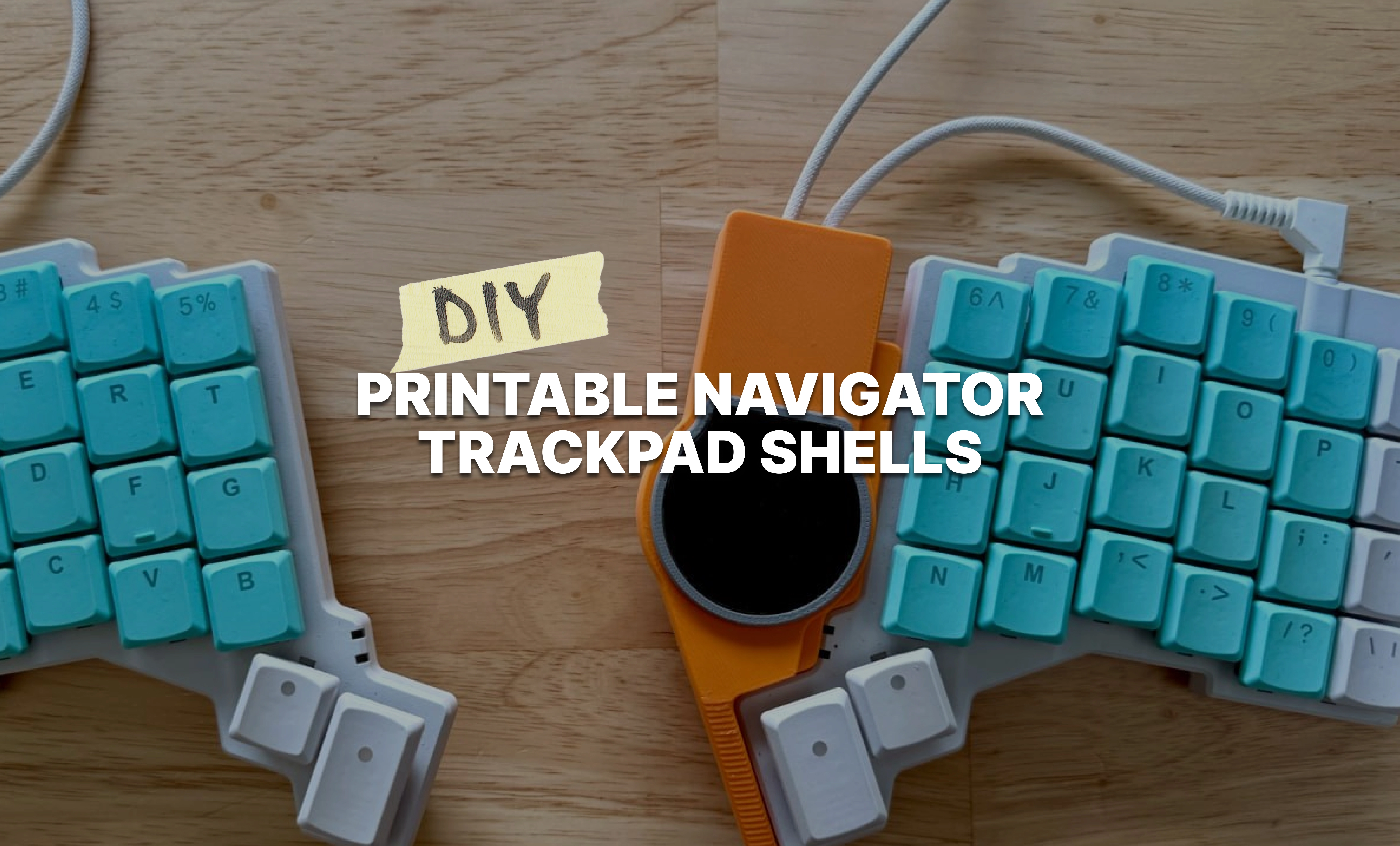
Do you ever have one of those problems at your job that you try to passionately explain to your friends or a partner and just get a blank stare back? Maybe a humoring, “That sounds tough,” if you’re lucky? It’s a real problem, just not one most other people have the context to really understand. Here’s one of mine: Trackpads are flat. Many other computer peripherals are not. This means when you move from one to the other, your fingers have to make a change in elevation.
This is not a huge problem with low-profile keyboards like a built-in laptop keyboard or the Voyager; the elevation change is just a few millimeters, if that.
But with a board that uses full-height MX switches, like the Moonlander, I find this elevation change gets pretty annoying. My hand feels like it’s plummeting to Earth when I need to reach for my Navigator trackpad.
So, with the release of the Navigator Trackpad, I’ve created some new versions of our official ZSA printable shells. They are the same basic designs, but raised up so the Trackpad ends up more even with the keys.
To be clear, you can still use the original printable designs with the Trackpad as well. One of the great parts of the Navigator system is modularity — any core fits in any shell. These are just options that may make the Trackpad a little more comfortable, especially for Moonlander users.
Trackpad Moonlander Side Shell
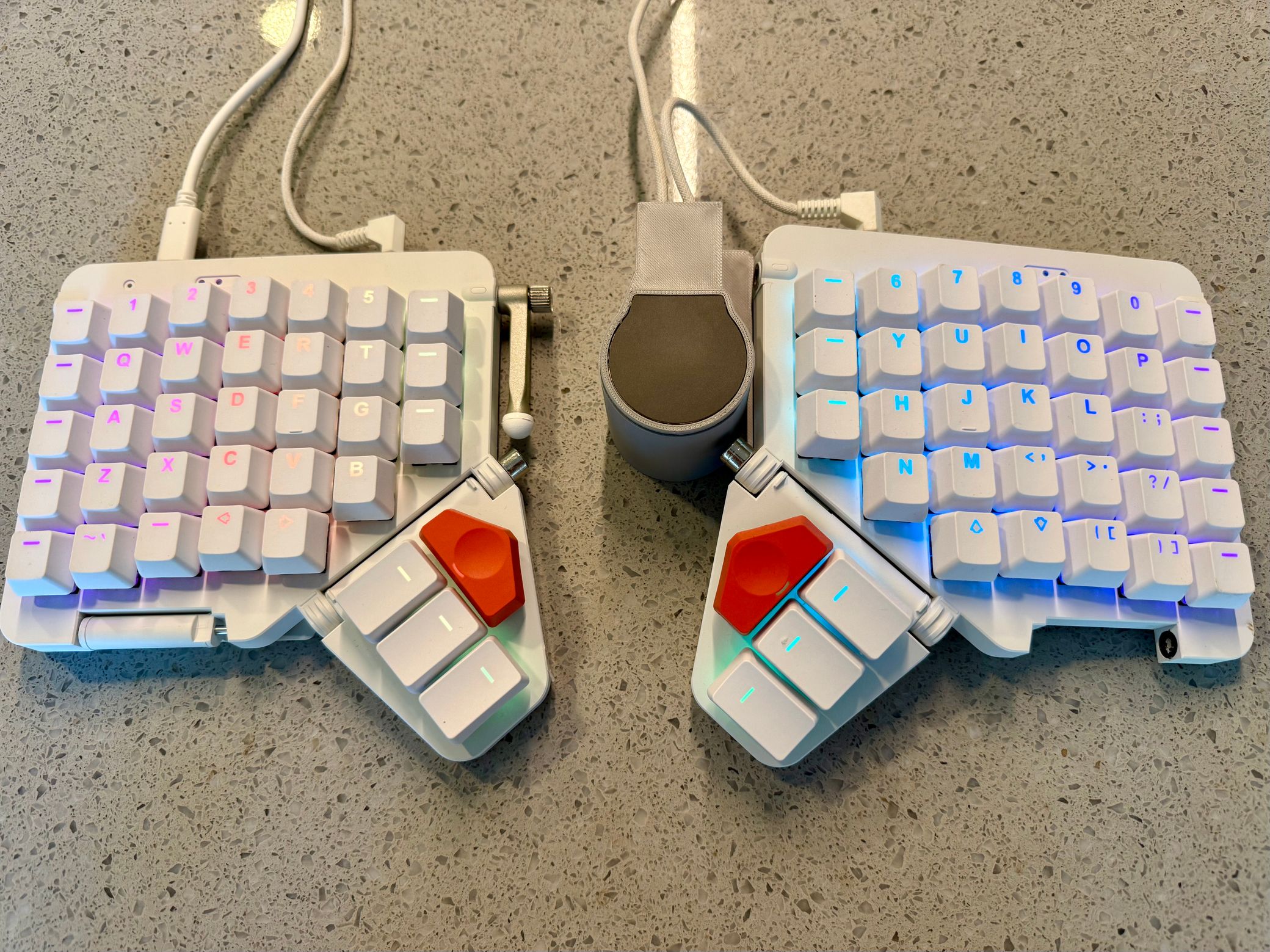
The classic Moonlander side shell gets a Trackpad variant, availble on Makerworld and Printables. It does look a bit comically tall because I’m matching the height that the Moonlander sits at when tented, but I’m prioritizing function over form here. The original variant of this shell is a little more proportional and still works just fine with the Trackpad if that’s important to you.
Trackpad Moonlander Platform Shell
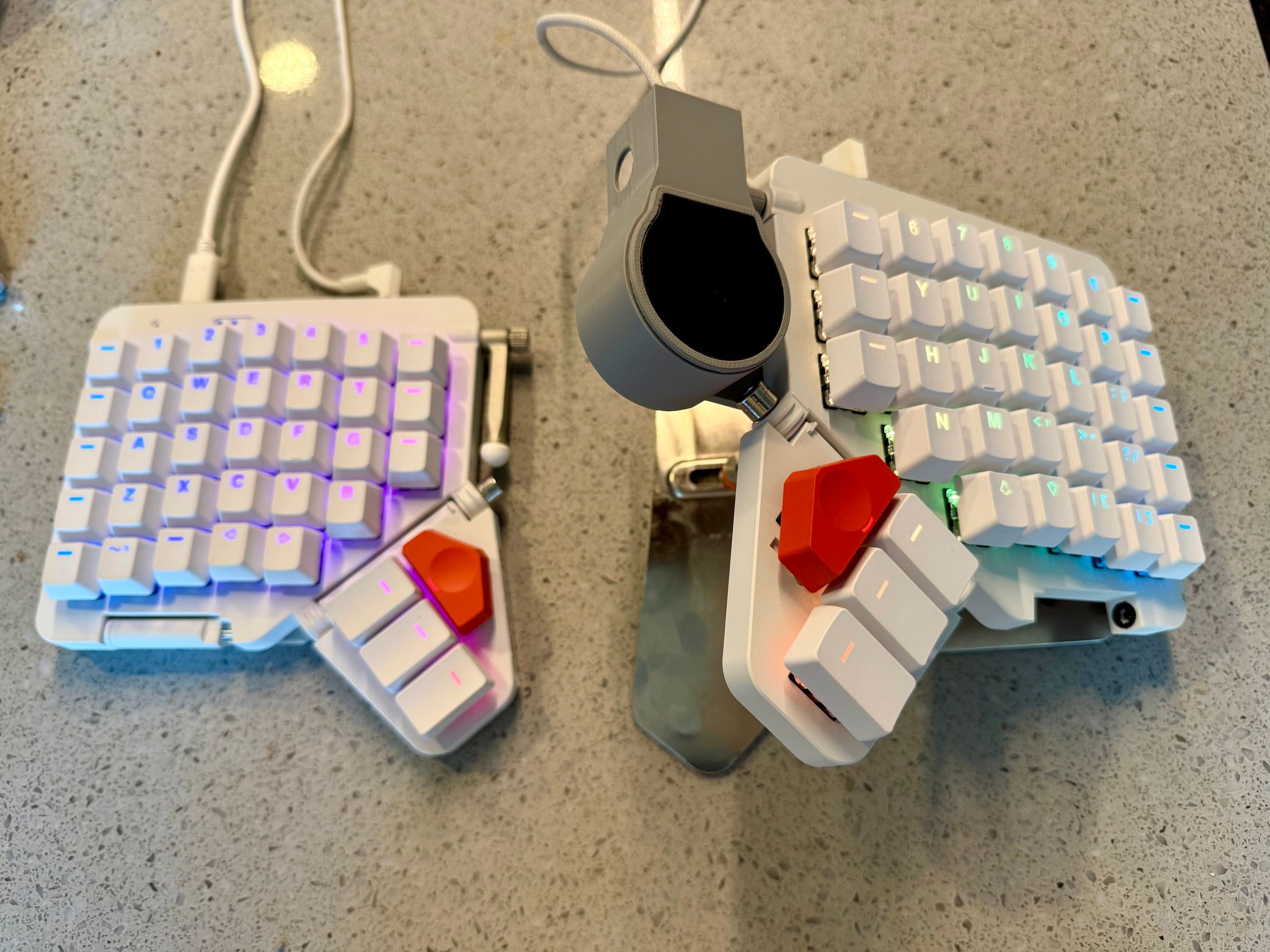
Did you know we have a shell specifically for using the Navigator with the Platform, too? I put this out quietly a few months ago, and now there’s a Trackpad variant, also availble on Makerworld and Printables. To install it, you can use the default Platform screws, and you’ll just make a sandwich out of the Platform: Moonlander on top, then the Platform, and finally the shell on the bottom, and screw all those together.
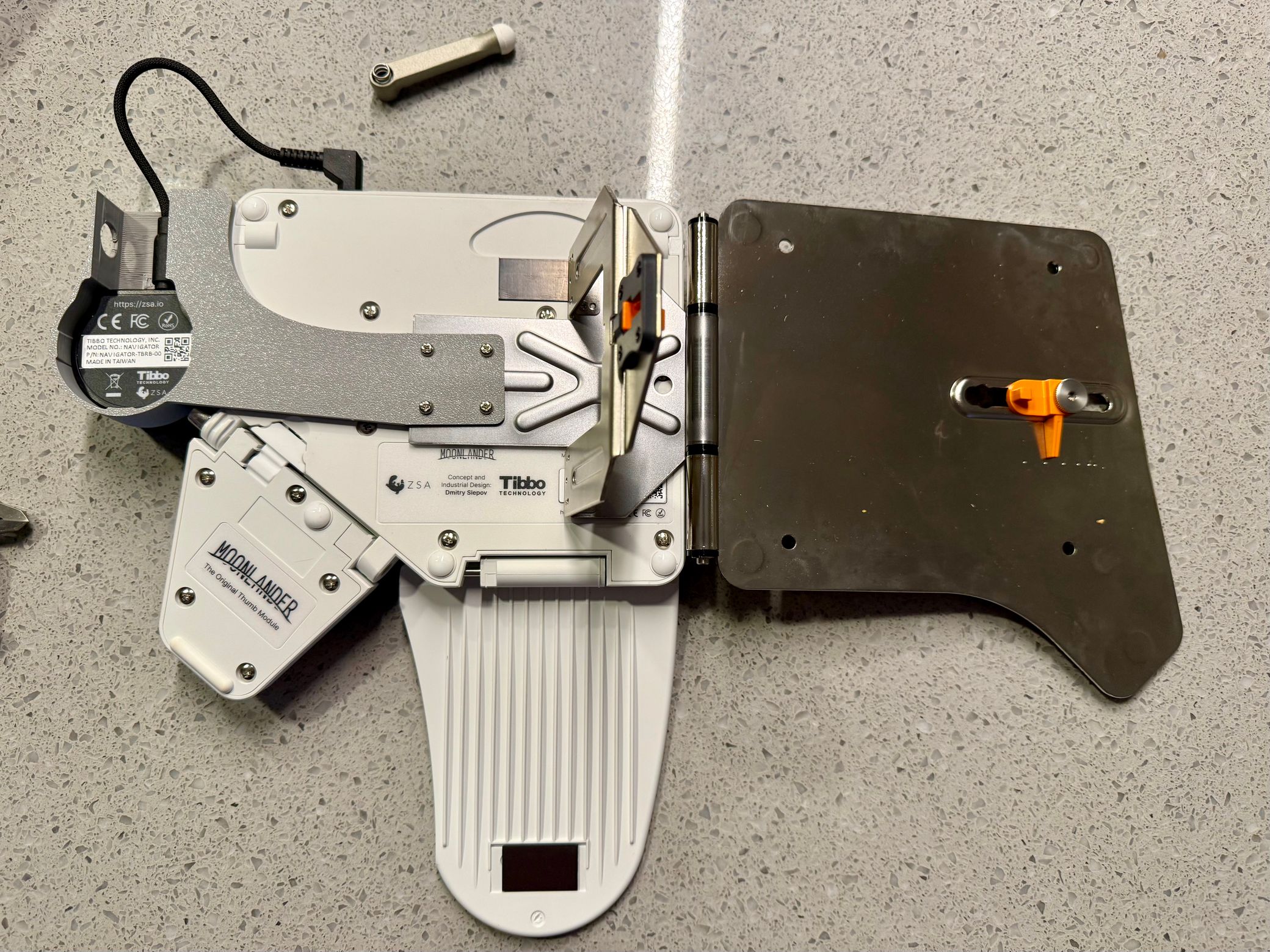
Navigator Taller Shell
Rounding out the new printables is a slightly taller shell for the Voyager, once again available on Makerworld and Printables. It’s identical to the default shell you get with your Navigator, just about 8mm taller which puts the Trackpad at the same level as the Voyager’s keycaps.
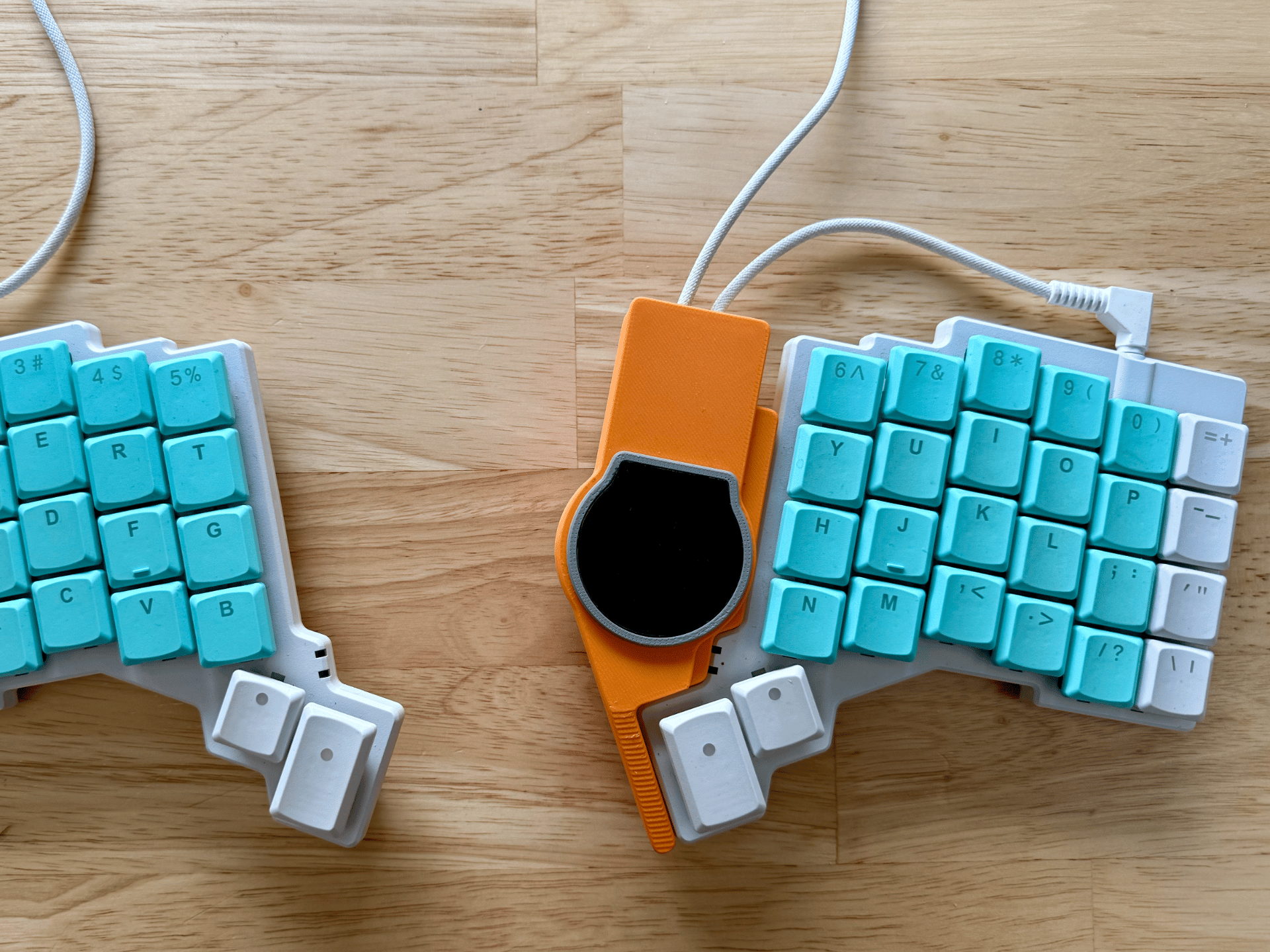
I’ve been using this as my primary Trackpad shell for a while now and I’m a fan. The default shell is perfectly fine — it’s just like using a normal trackpad. But that problem of peripheral elevation change, even if it’s a small one, has bugged me personally for so long that I just had to come up with a solution.