In many ways I am who I am today thanks to the books I've read (and re-read, and written about) over the years. And eBooks are amazing; they're everything I love about books, plus they take up no physical space and I can instantly look up any word I want.
To most people, it's obvious that when you click Buy on a page selling an eBook and pay a one-time fee for that book, that book is then yours.
Actually, it isn't. Sure, the button did say "Buy", not "rent" or "borrow", and you paid almost as much as you'd pay for a paper copy (more than what you'd pay for a used paper book). But Amazon can take away your access at any time, and does not offer an easy way for you to archive the book you purchased.
So I have a library. You should have one, too. Your books, on your own machine, in a format you can easily convert between your different devices. There has to be something that makes this easy, right?
This would be Calibre. A piece of free software that's been around for two decades and is still constantly updated. It's simple and powerful, and has a healthy ecosystem of open-source plugins for removing DRM from the files you've paid for.
It's a big list
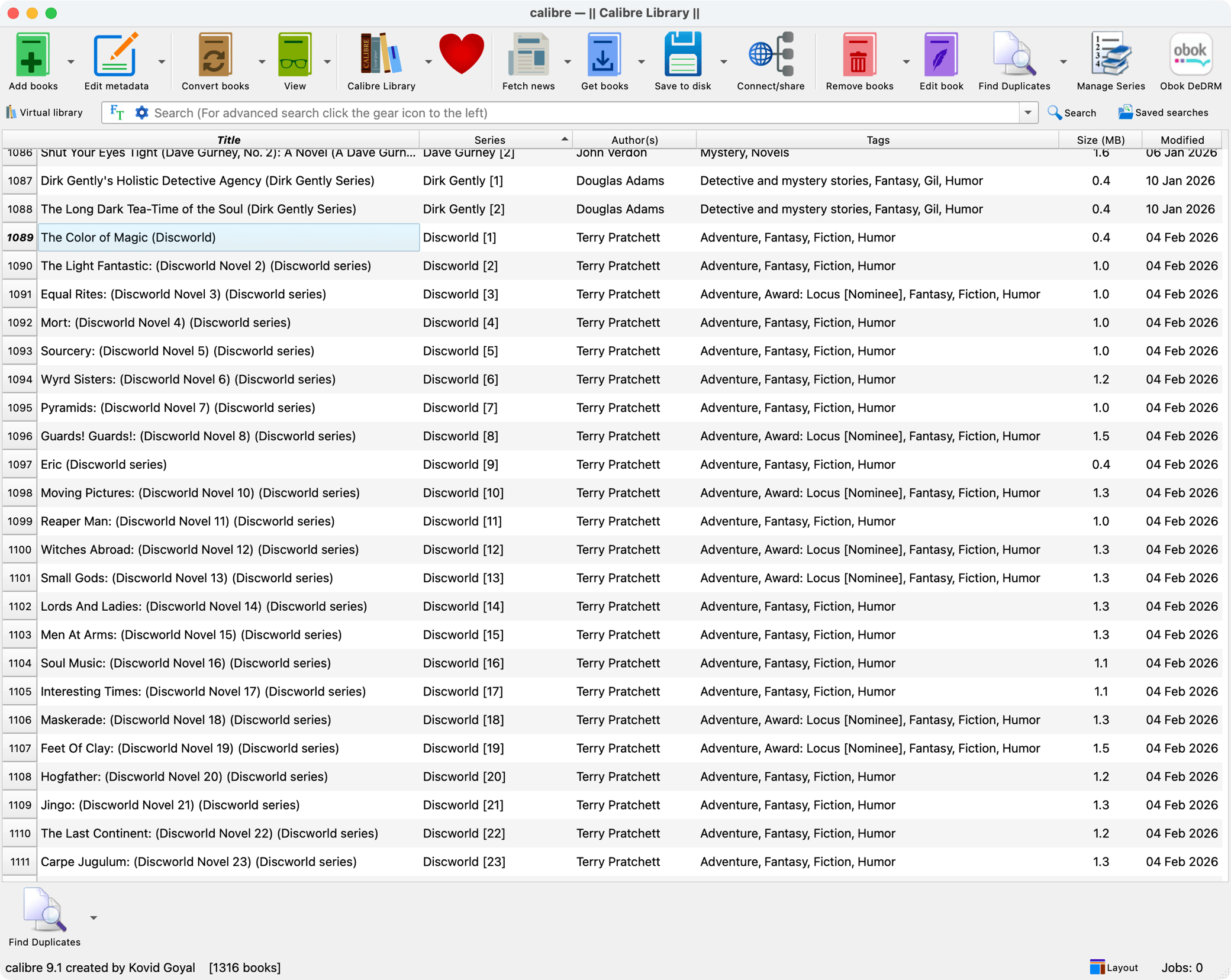
This is what Calibre looks like. It's just a big list of books, sorted however you wish to sort them (how recently they were added to your library, author, title, etc).
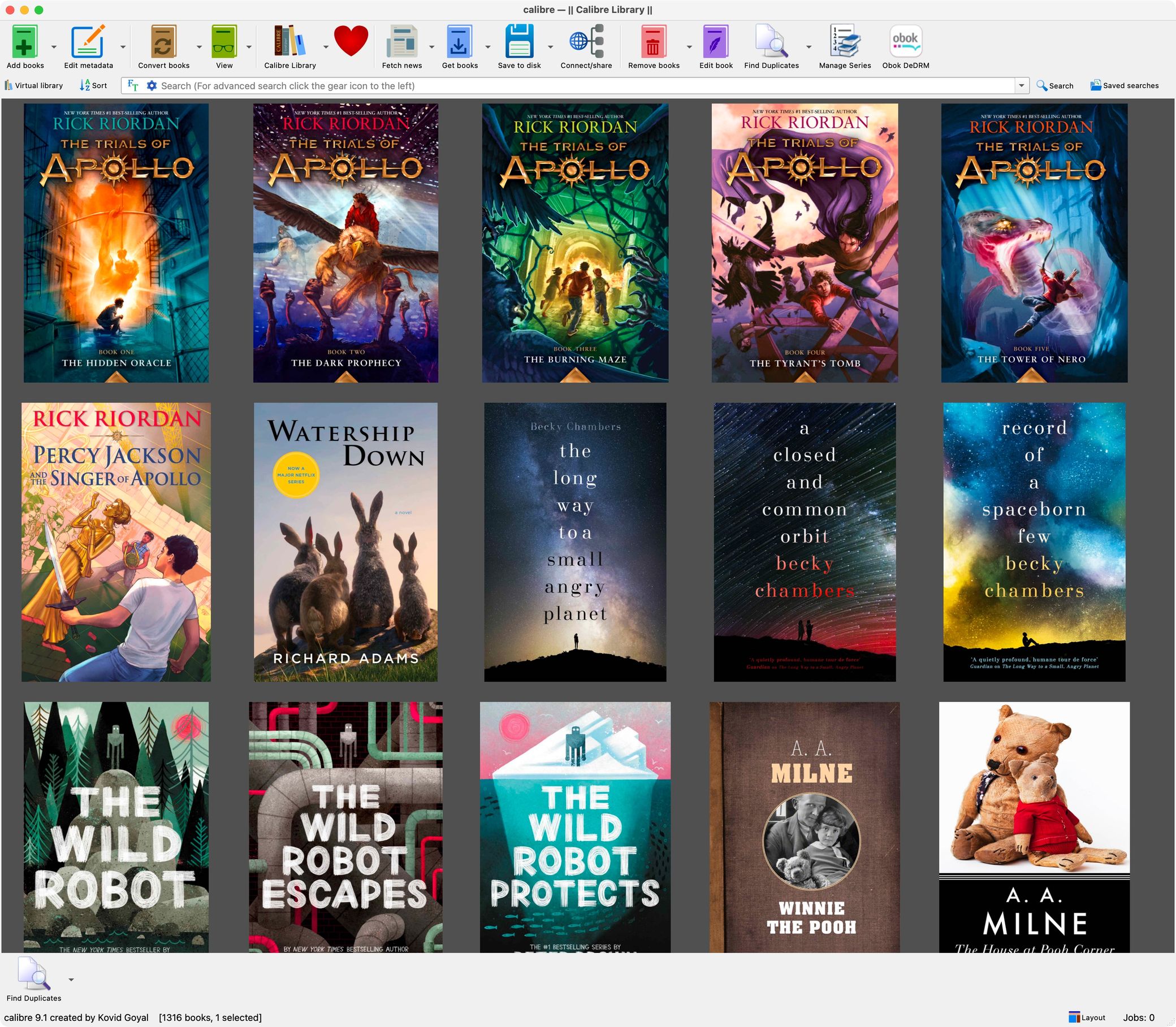
If you want a bit more visual pizzazz, you can try out the bookshelf view (new to V9) or the cover view.
There's even an iTunes-style "cover browser" for quickly flicking through your books as though they were albums:
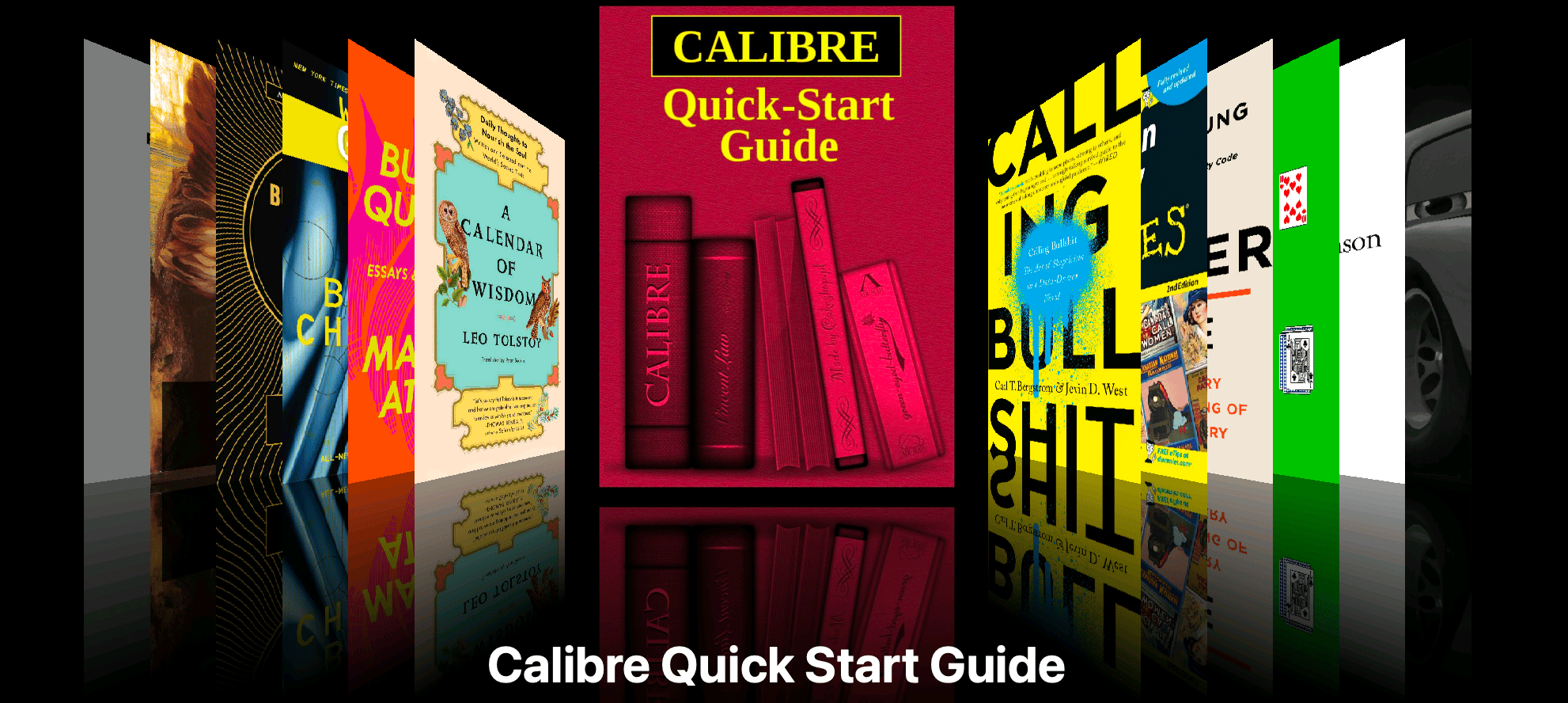
Don't let that eye candy confuse you, though. Essentially, it's just a big list of books.
You can tag and sort your books
Once you have more than a few books, tags become handy for sorting them and finding your next read. Calibre makes tagging easy:

This is basic stuff, but it beats a bunch of folders by a mile. You can search through your library, sort and filter it, correct metadata in bulk, and everything else you'd expect from a mature and battle-tested piece of software.
It's open
Not just in the sense that you have access to the source code, but the app itself is built in a way that makes it easy to plug into.
At one point I became curious about which of the books in my library won various literary awards, so I put together a quick utility for tagging them that uses Calibre's built-in command line interface. This was quite straightforward, giving me tags like "Award: Locus [Nominee]" for any books where that's true. These tags also carry over to my eReader, making it easier to pick my next read when I'm on my eReader away from the computer.
It works beautifully with eBook readers
Here's what I see when I connect my eReader (which runs the excellent and open-source KOReader). To connect, I can either plug it in via a USB cable, or connect wirelessly to Calibre from KOReader.
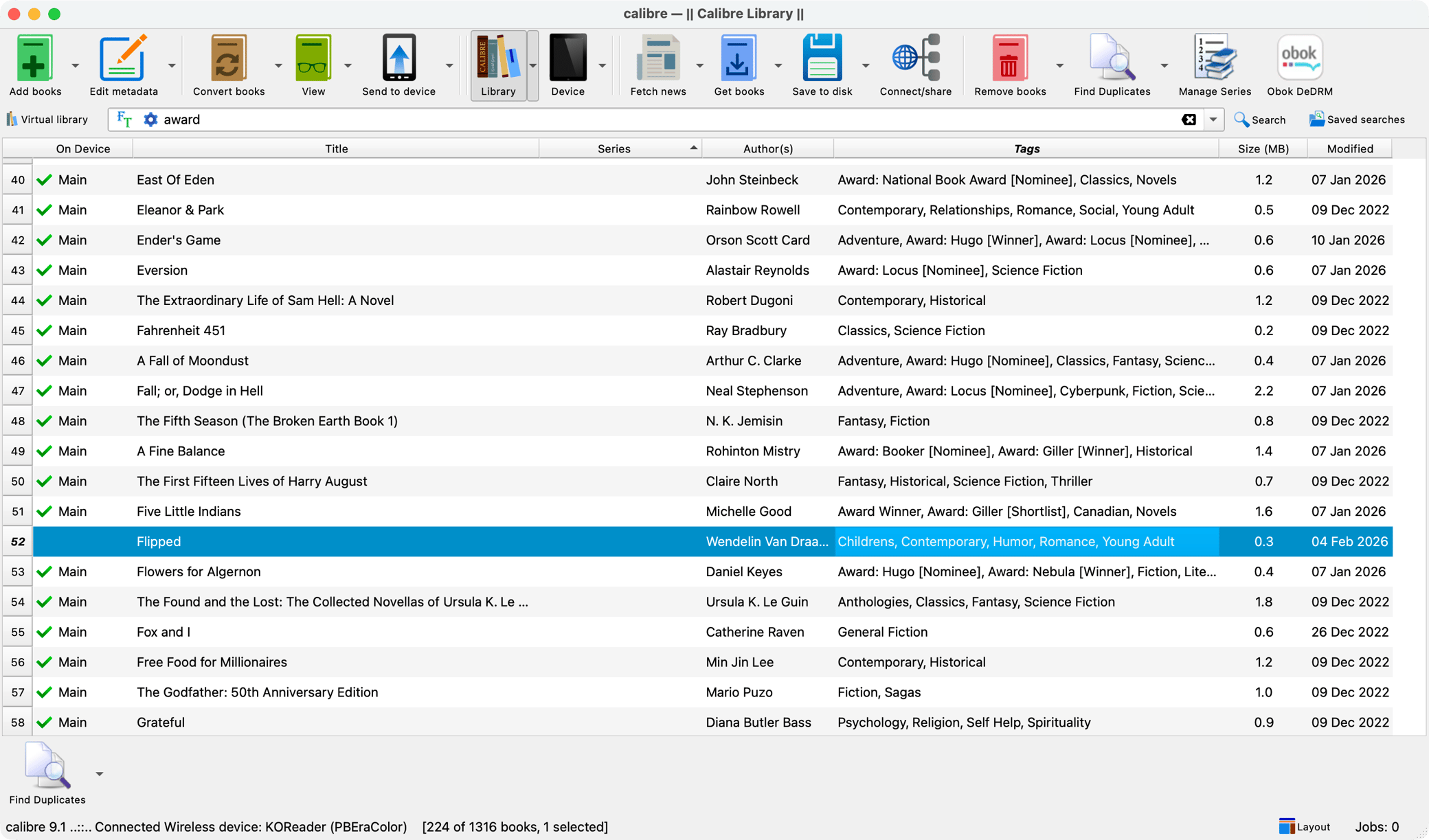
I can see at a glance which books are on my reader and which are not. I can send them to the reader with a single click, which would also convert them to a format the reader understands if needed (i.e, it knows if I plug in a Kindle and converts ePub files to the Kindle's file format).
It can do much, much more
My own usage of Calibre is very basic. I import my books in and enter the title, author, series, and tags. Then I use Calibre to move the books onto my eReader. For me, that's all I need, and it's perfect.
That said, if your own use case is more complicated, Calibre can likely accommodate. For example, there's also a NAS-friendly Docker version of Calibre that you can run on a server on your local network and have it available all the time. It's supposed to have a very nice Web frontend. I've never tried it, but the option is there, for the same price (zero dollars).
Another thing you could do is set up all sorts of news sources to be pulled in and converted to ePub or whatever format your reader takes. There are plugins for ingesting anything from RSS feeds to read-it-later services to newspaper websites.
The surprise
The biggest surprise for me is Calibre's longevity. I first installed Calibre many years ago, and got my library going. Then I left it for a number of years because Amazon made it too hard to get the books I paid for.
When I decided owning my books was important enough for me to jump through hoops for (eventually switching away from Amazon), Calibre was right there for me, performant and actively maintained. That's serious stability for any software, much less for a noncommercial open-source project. In fact, it's been around since 2006 (!).
If the idea of owning your own books speaks to you, check Calibre out. It's powerful but easy to get started with, and it's entirely free. Thank you, Kovid Goyal, for creating and maintaining it for so many years.