We're on a mission to make typ.ing the best typing trainer around, and this month I'm happy to share a big new feature: Book mode. This mode lets you type your way through carefully curated and prepared classic books. Ideal for having a sit with a cup of tea and some chill music.
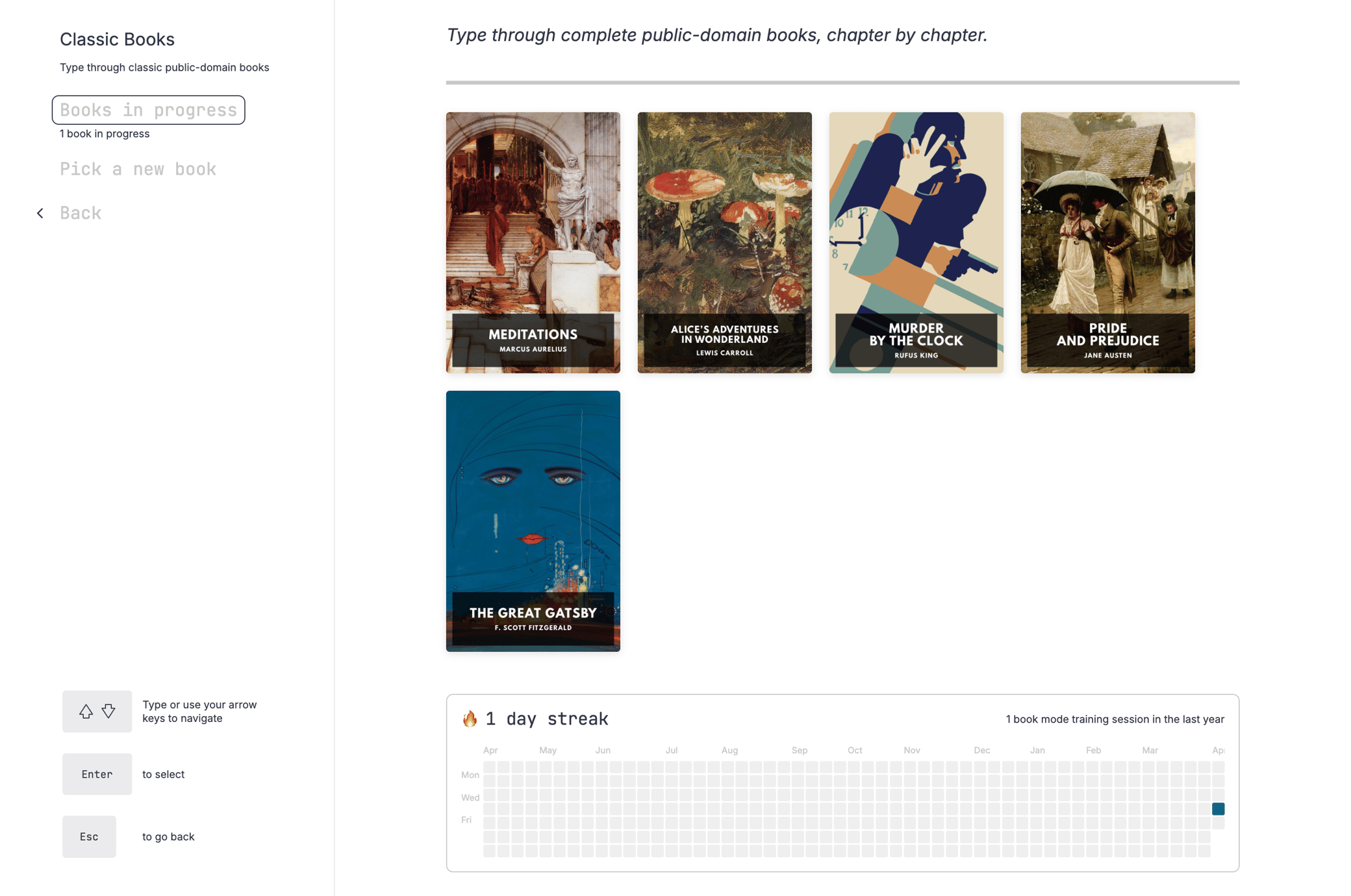
I love reading, and we built this mode for lovers of books. It's significantly different from other "book typing" trainers out there, as well as from the other modes you'll find on typ.ing. Here's a quick visual tour of how it works.
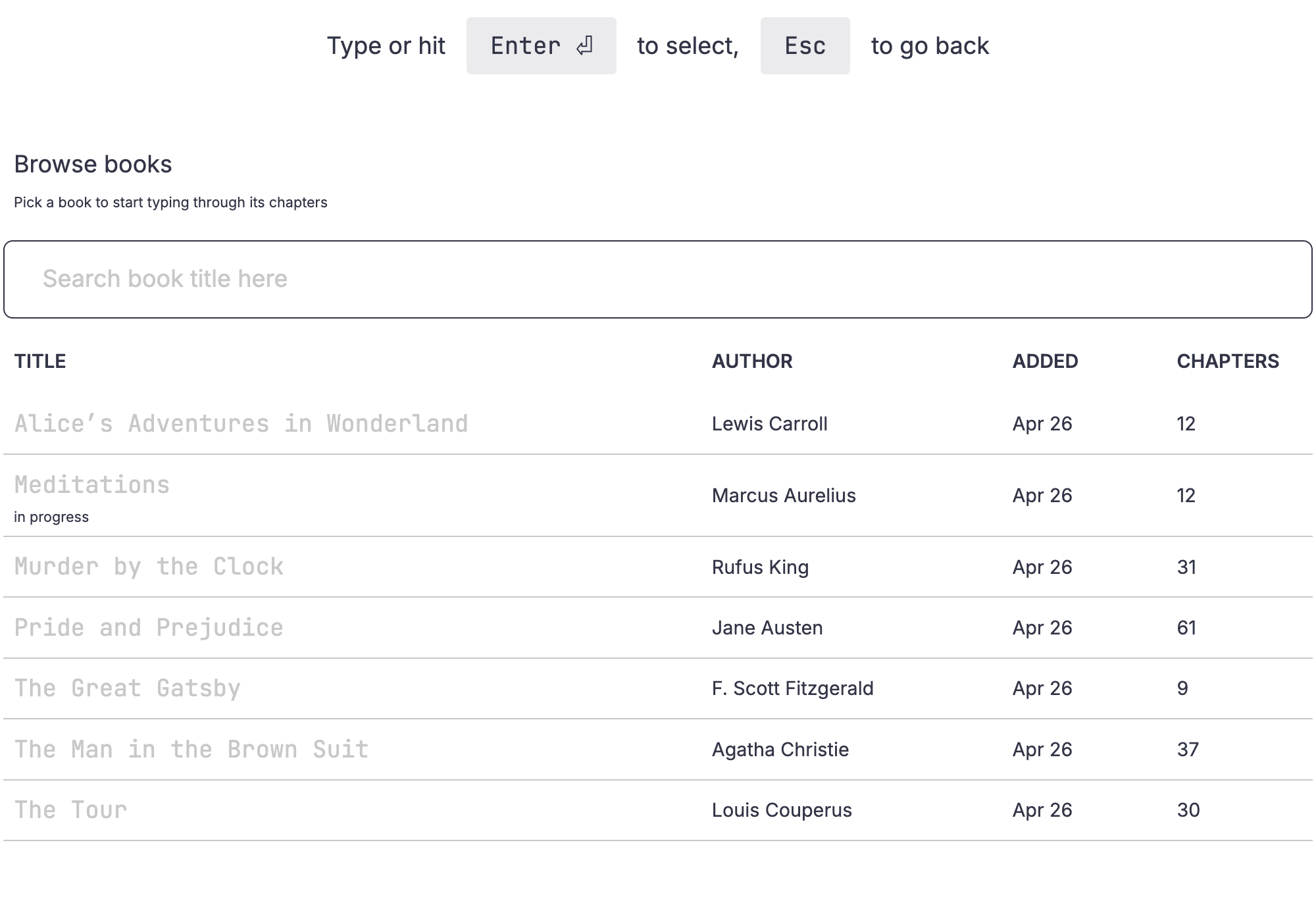
The Library lets you browse the different books on offer.
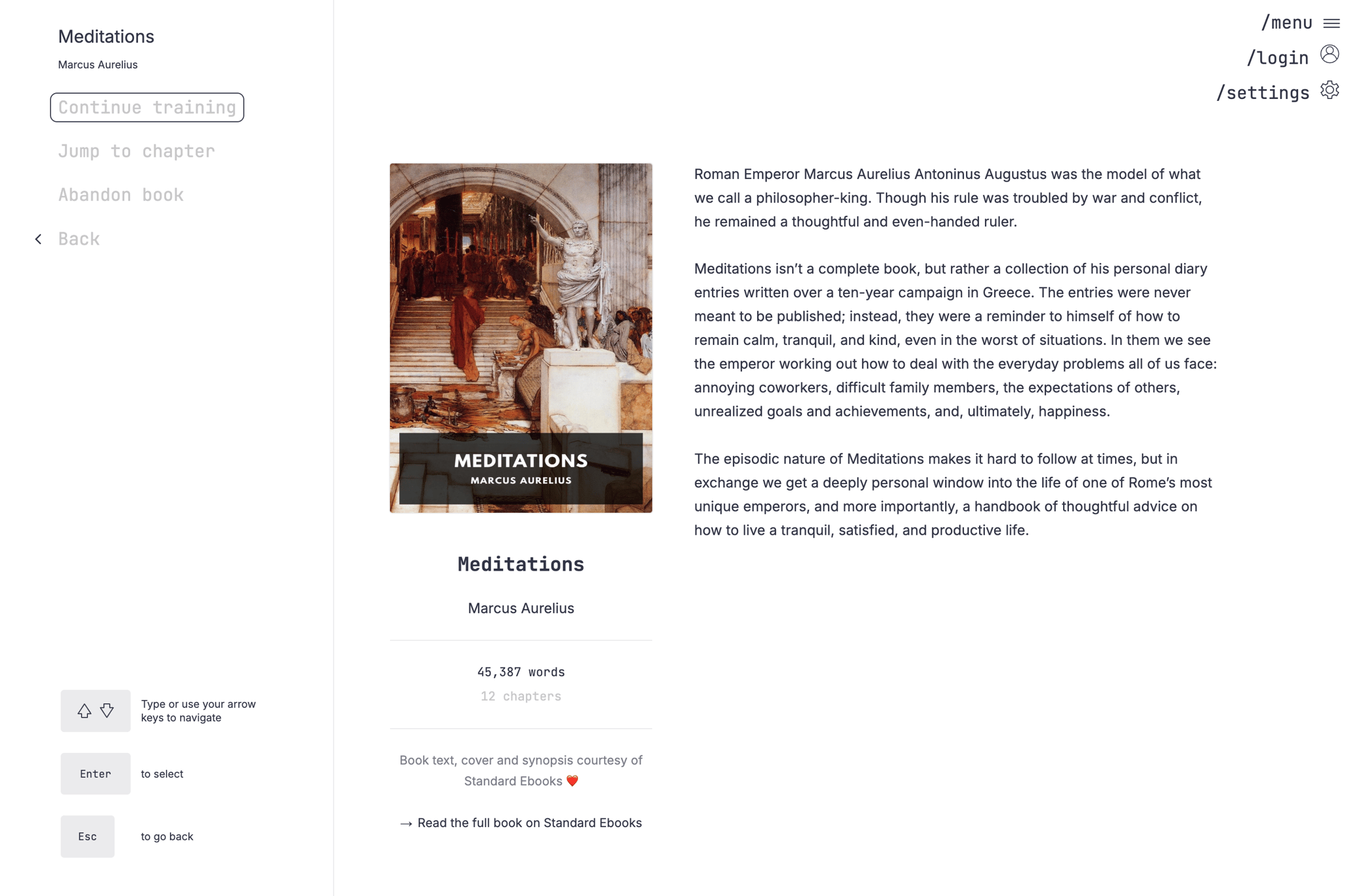
Then when you go into a specific book, you can read all about it.
When you're ready to start, you can pick a goal, or go for Flow mode where you just type to your heart's content.
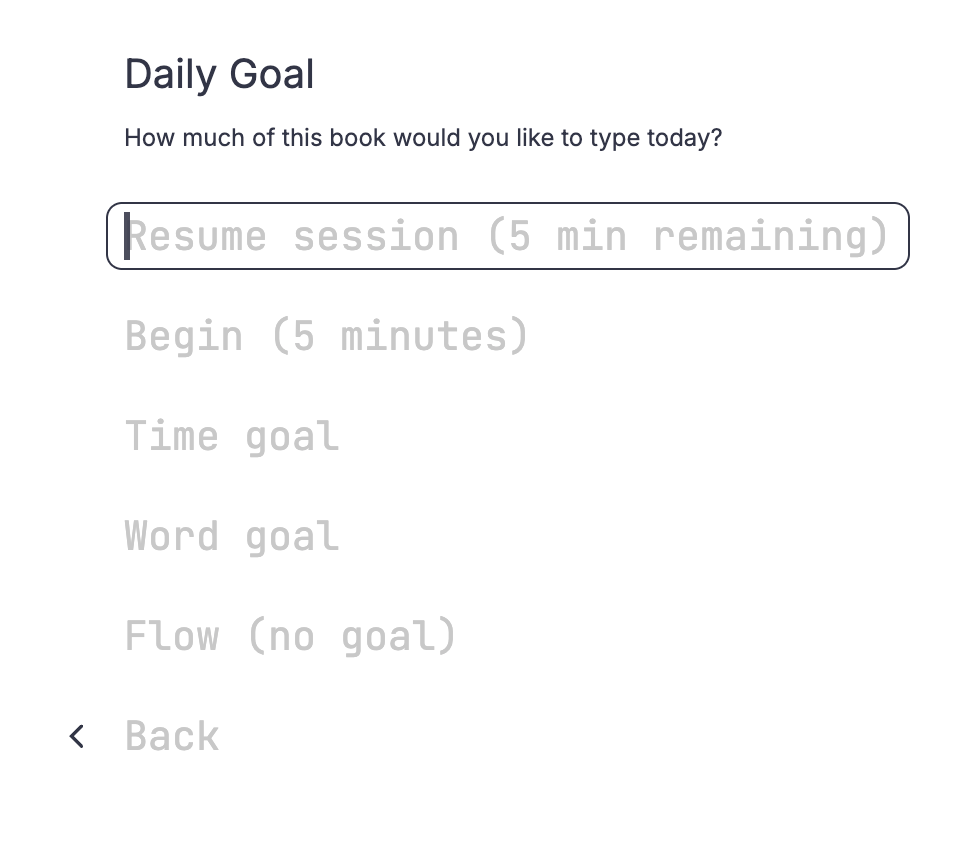
Goals are daily: you can decide today you'll be spending 30 minutes with a book you love, or type 2,000 words out of that book — and you can don't have to do it all at once. Typ.ing saves your spot and when you come back later in the day, you can resume your goal.
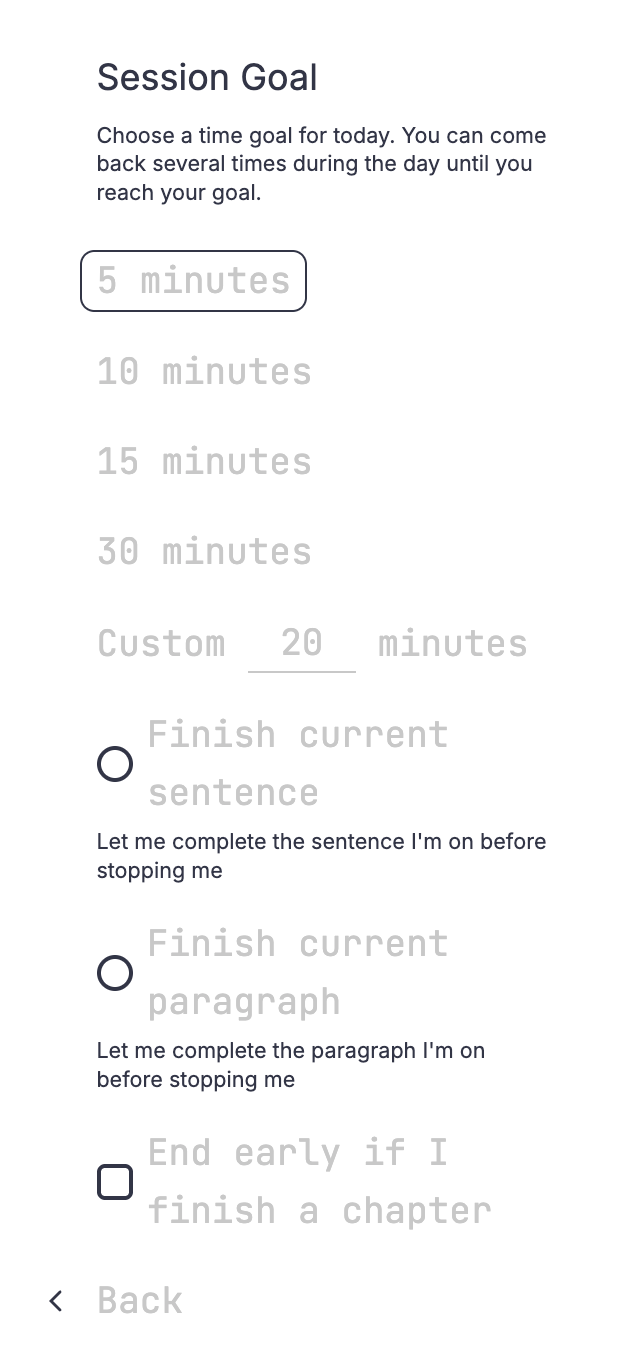
Because this mode is all about the books, you can specify that you don't want to be interrupted in the middle of a sentence or a paragraph even if you reached your goal. You can also decide that finishing a chapter means you're done for the day.
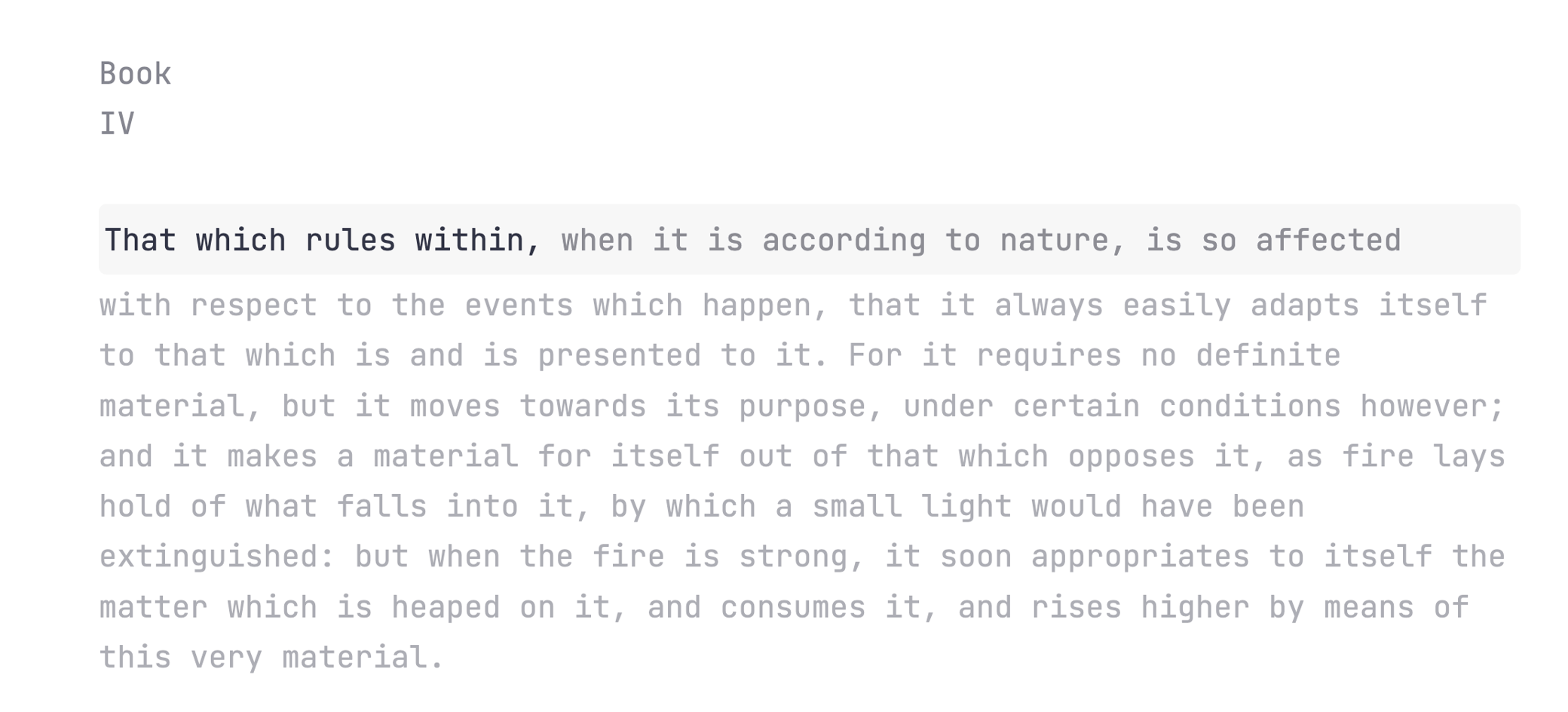
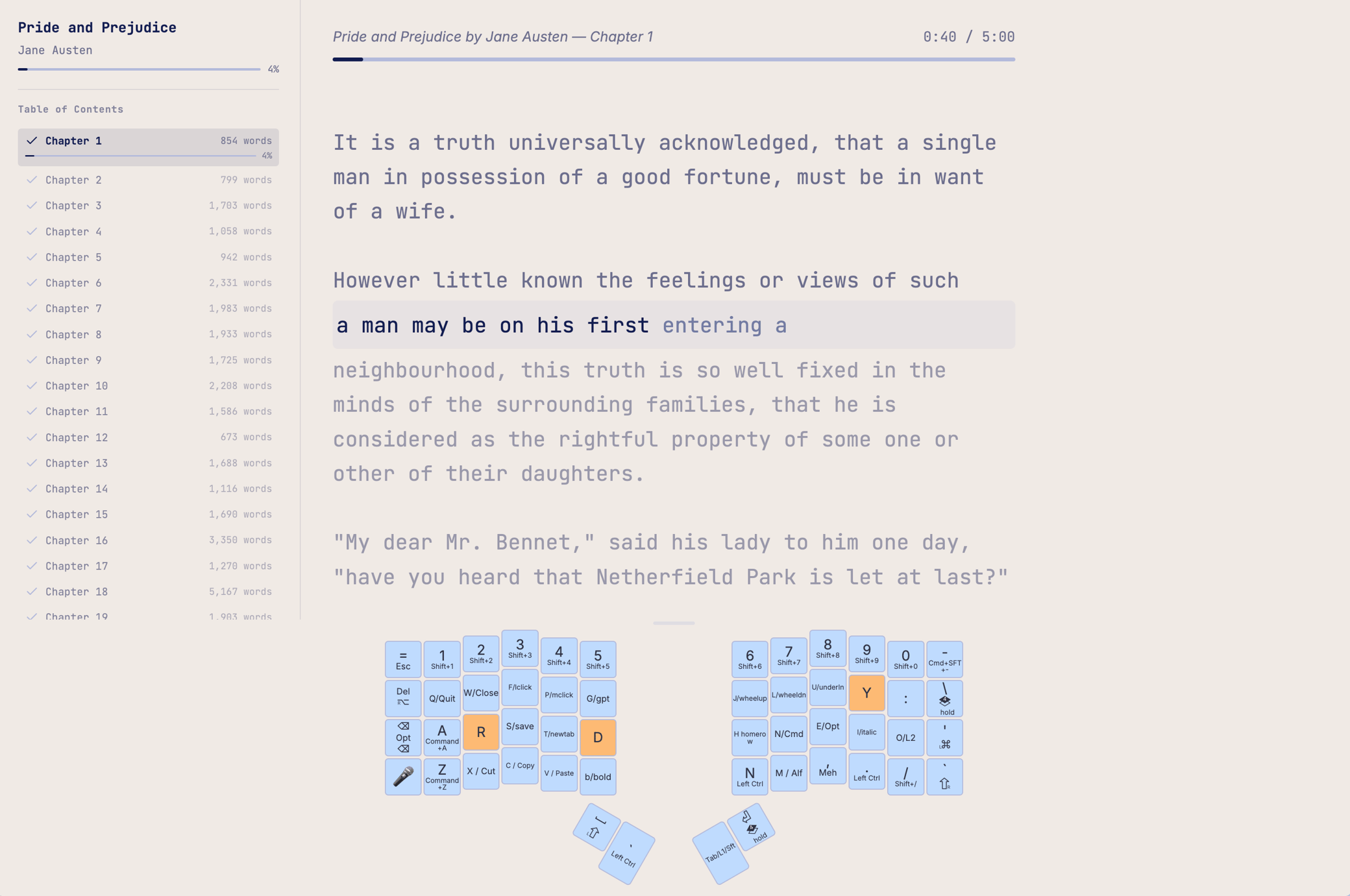
When you're typing, you type into the active line which is placed near the middle of your window. You don't have to look way down at the bottom of the screen. Text will scroll into and out of this line as you progress. We do show your typos, but they go away once you're done with the line, making it easy to read up. You can also scroll down and read through the rest of the chapter without typing at all, if you'd like.
When you reach your goal, we show you how you did. You can keep going or decide you're done for the day.
Your progress is saved so you never have to restart a book; when you come back tomorrow (or later today) we know exactly where you were and your training picks up from there. If you have a typ.ing user account the system saves all of your progress to your account, so you can use it from multiple devices.
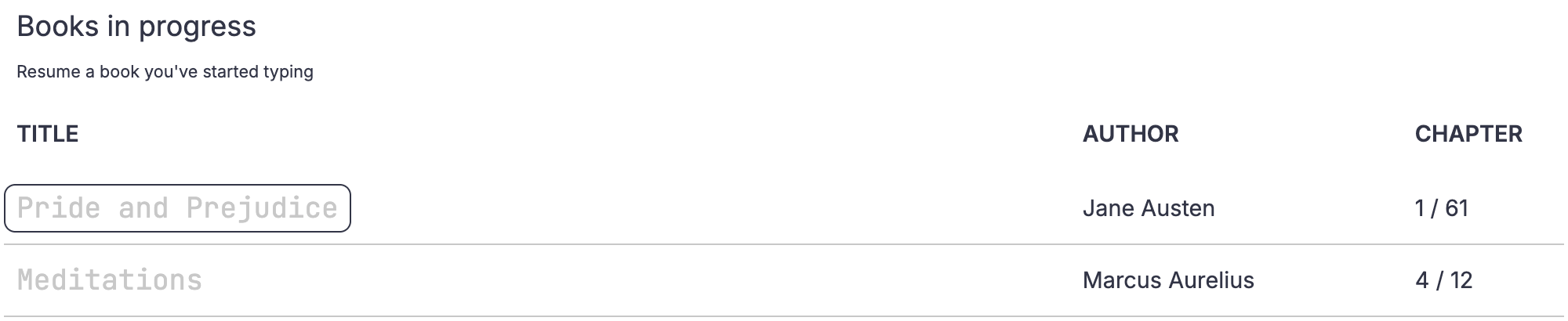
I often read more than one book at once, so you can have multiple books in progress, each with its own progress tracking.
If you have a ZSA keyboard, you can Live View your keyboard layout as you're typing through the book, and drag the divider to make it bigger or smaller.
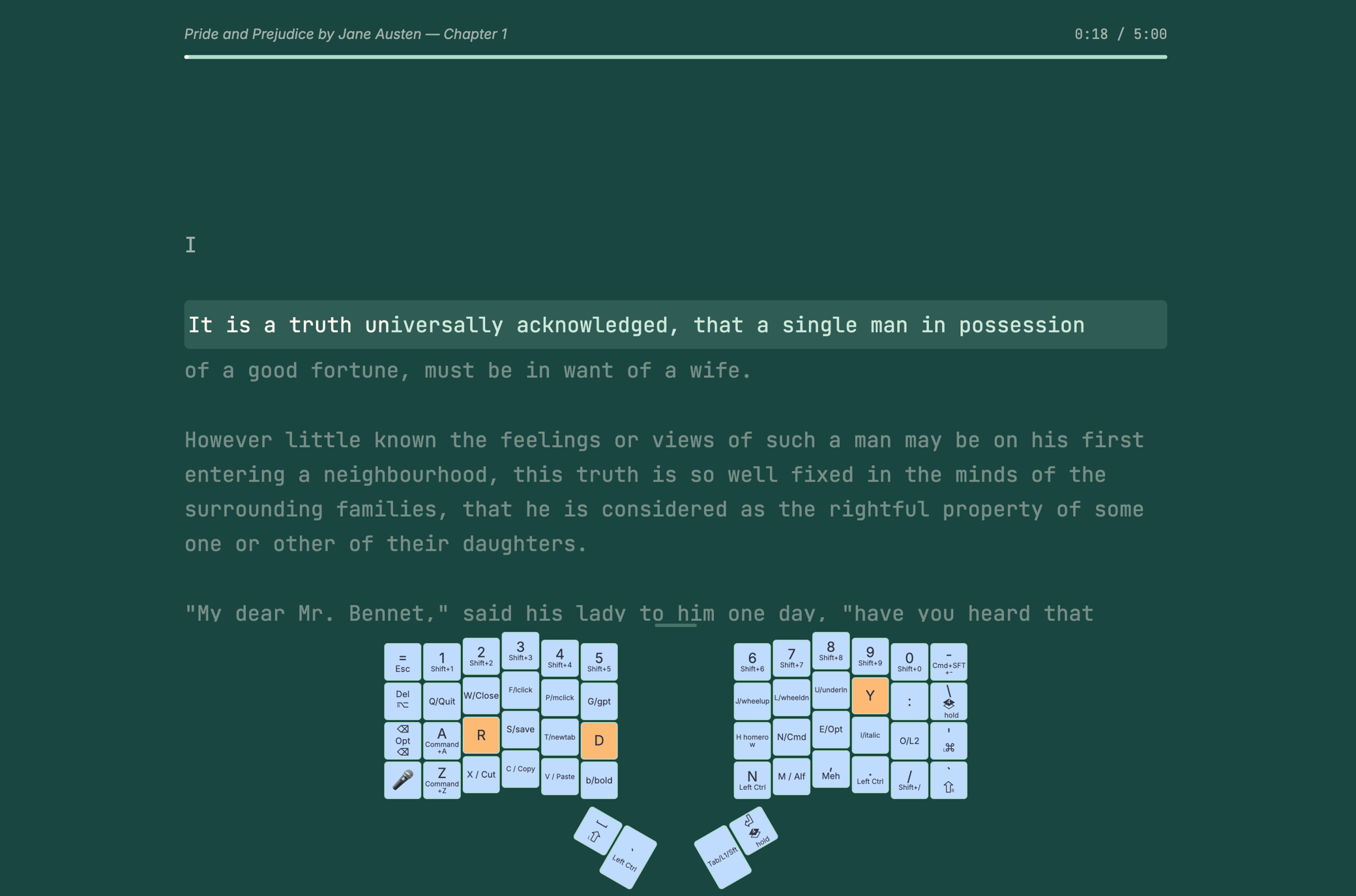
Typ.ing's general view settings work in this mode as well. This means you can pick different themes, and change the text width.
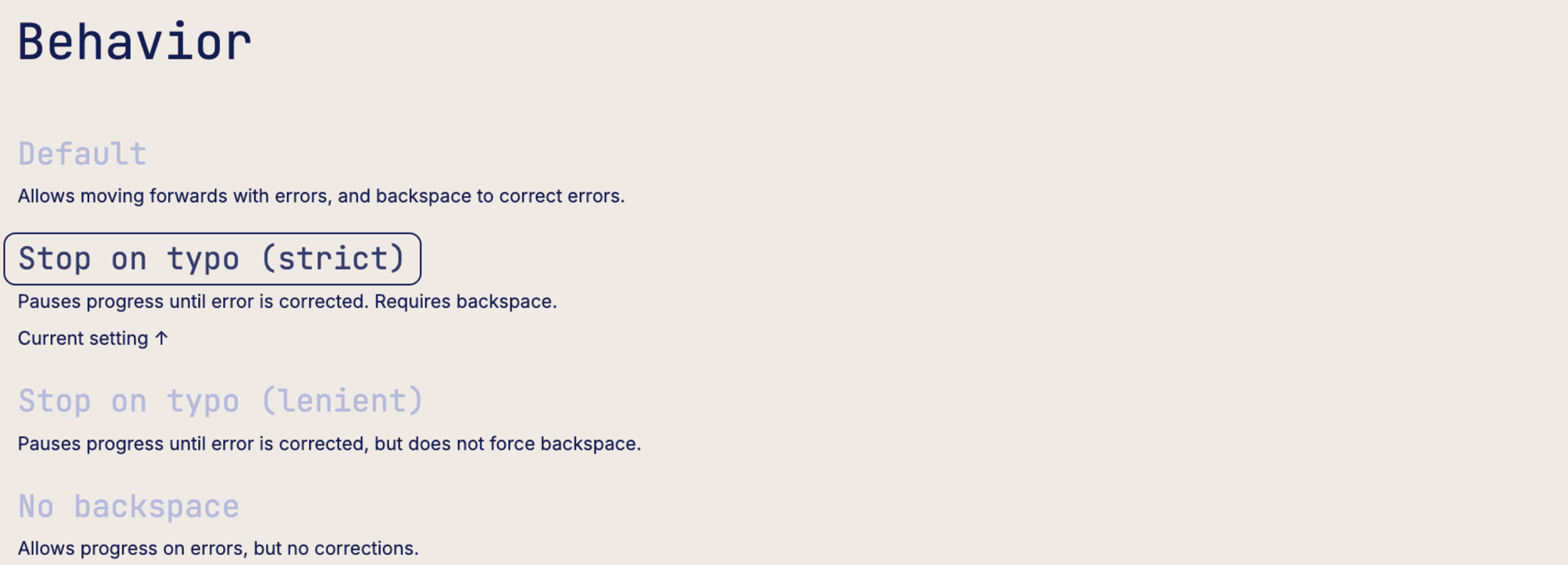
You can also decide how typos are handled (do you just keep going or does it stop you).
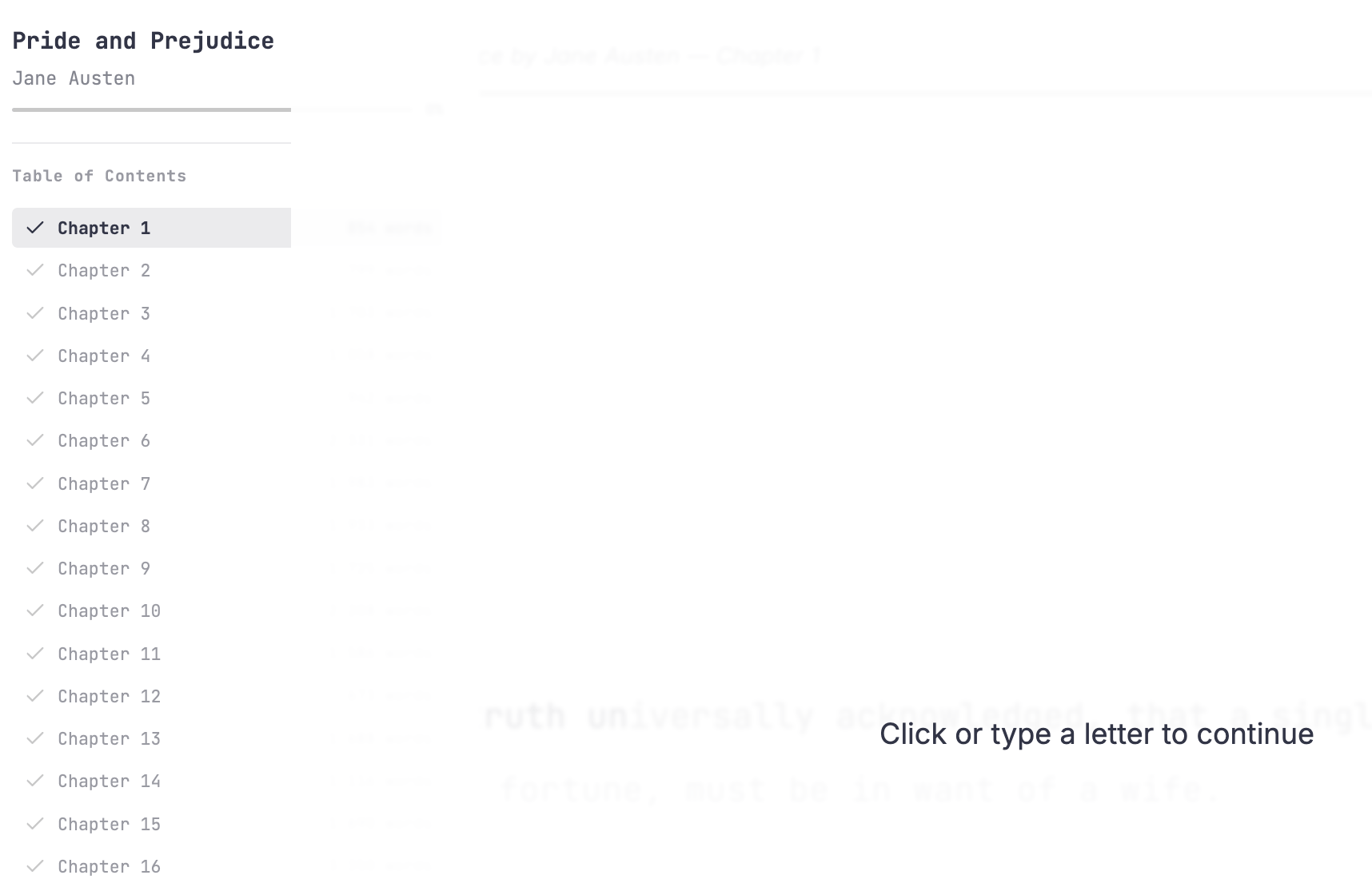
If you stop typing for a few moments, you can skip to another chapter in the book. We save your progress in every chapter individually, so you can skip around to your heart's content.
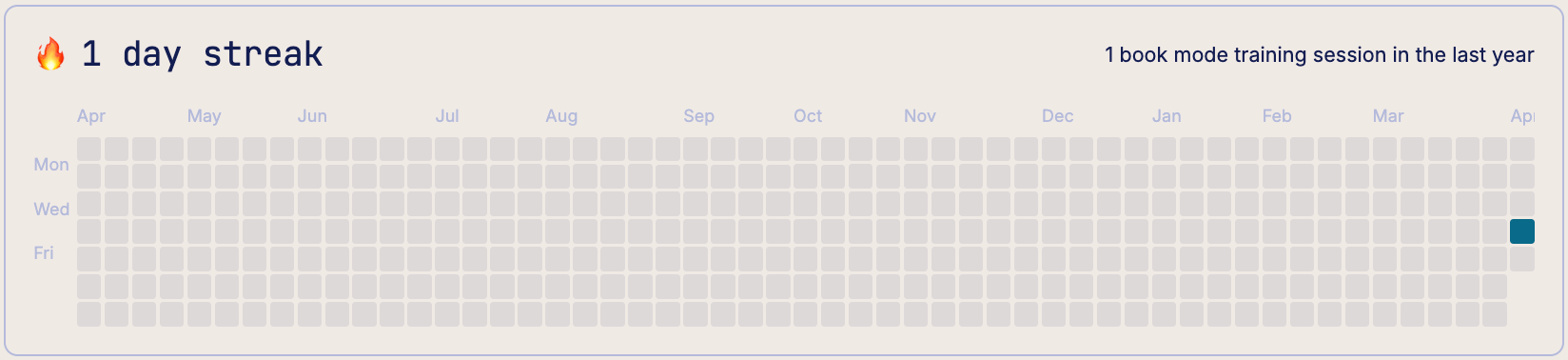
You're not going to type your way through a whole book in one day; to make it fun to come back, we included a built-in habit tracker that shows your progress and streaks over time.
The books in this mode are all public domain and have been carefully edited by Standard Ebooks, and we then adapted each to ensure all characters can be typed by a typical keyboard (no em-dashes and such). Each book is linked directly to its page on Standard Ebooks if you'd like to read it in full.
We're starting out with seven great books, and will be adding a few more books every month. On that, I do take requests: If Standard Ebooks offers a book you'd love to see on typ.ing, just email me and let me know.